The short version
DayZ server admin tools usually fall into a few jobs: keeping the server online, running admin commands, tracking players, handling restarts, connecting activity to Discord, and giving your community a smoother player experience.
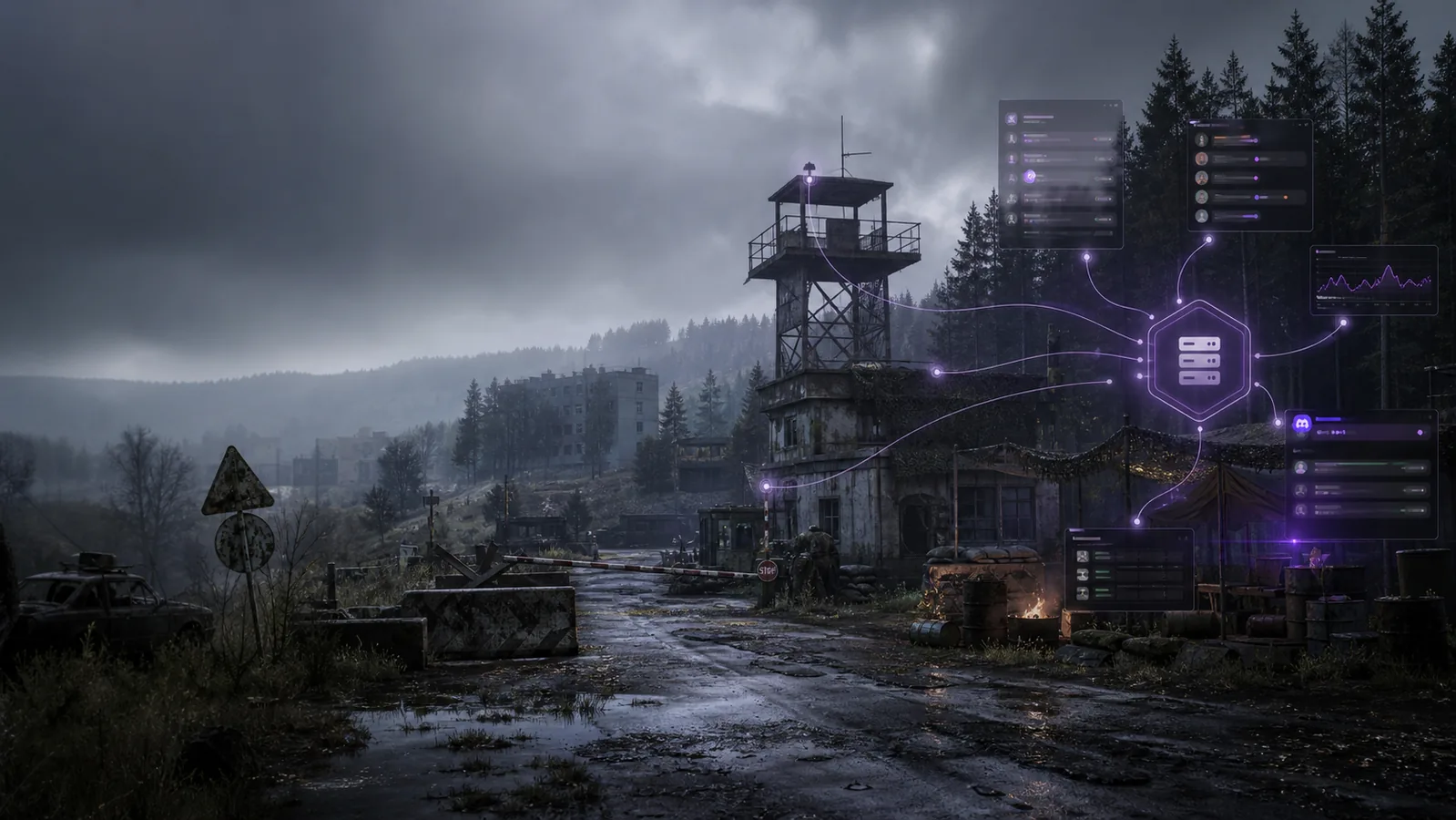
Takaro fits in the community operations part of that stack. DayZ is community-supported in Takaro, with a documented setup path, a bridge, and module examples for Discord visibility, restart handling, and player commands.
| Job | Common tool type | What to look for |
|---|---|---|
| Server hosting and files | Hosting panel or server control panel | Start/stop controls, file access, logs, backups, mod upload flow |
| Admin commands | RCON or admin console | Remote commands, staff permissions, command history |
| Player visibility | Monitoring dashboard | Online players, player history, alerts, notes |
| In-game support | Server-side admin mod | In-game menus, staff actions, quick interventions |
| Restarts and updates | Scheduler or deployment tool | Planned restarts, update flow, crash recovery |
| Discord visibility | Bot or integration | Server events, status updates, support channels |
| Community workflows | Community operations platform | Modules, player-facing commands, automation, cross-server context |
Start with server access
Before adding advanced tools, make sure you have reliable access to the server itself. You need a way to start and stop the server, inspect logs, update configuration, install server-side mods, and recover when something breaks.
For many DayZ admins, this starts with a hosting panel or a self-managed machine. That layer matters, but it is mostly infrastructure. It does not replace the tools you use to run the community day to day.
Add admin command access
Most DayZ teams need a way to run commands without joining the game every time. That is where an RCON-style console or remote admin console usually fits.
Look for:
- staff access controls
- command history
- clear server status
- safe ways to run common actions
- visibility into what staff changed
This layer is useful for direct administration. It is less useful when you want player-facing workflows, Discord updates, or repeatable community automation.
Track players and server state
Once your server has regular players, visibility becomes more important than raw command access. You need to know who was online, what happened while staff were away, and whether recurring problems are tied to certain times or players.
Useful signals include:
- online player counts
- player history
- crash or downtime alerts
- notes for staff
- repeated behavior patterns
- audit history for staff actions
Do not treat this as a replacement for community management. Monitoring tells you what happened. You still need workflows for what to do next.
Use in-game admin tools carefully
In-game admin mods can be useful for live moderation and quick interventions. They are practical when staff are already inside the game and need fast controls.
The trade-off is that in-game tooling often depends on specific mods, server configuration, staff habits, and update compatibility. Keep it focused on live admin work. Do not expect it to become your whole community operations system.
Plan restarts, updates, and recovery
DayZ communities need predictable restart handling. Players should know when a restart is coming, staff should know whether it completed, and the server should recover cleanly after common failures.
A useful restart workflow should answer:
- When does the server restart?
- How are players warned?
- Who can trigger or delay a restart?
- What happens if the server crashes?
- Where does staff see the result?
Takaro has a DayZ restart module example for servers that support shutdown commands. Treat it as a starting point for your workflow, not a universal guarantee for every setup.
Connect DayZ activity to Discord
Discord is where many DayZ communities actually operate. If server events stay hidden inside logs or command consoles, staff and players miss important context.
Good Discord integration can help with:
- server status visibility
- useful event notifications
- setup support
- staff awareness
- player-facing updates
Takaro has a DayZ Discord Integration module example that sends DayZ server activity into Discord. That makes Discord part of the operations loop instead of a separate place where staff have to ask what happened.
Where Takaro fits for DayZ
Takaro is not your server host, and it is not just a raw command console. For DayZ, Takaro is a community operations layer that connects through a community-supported setup path.
The current DayZ path uses:
- Takaro’s generic connector
- the
@TakaroIntegrationserver-side DayZ mod - the
DayZ-Bridgesidecar - DayZ module examples for Discord integration, restarts, and commands
The server-side mod is loaded with -serverMod=, so players do not need to download it before joining.
Use Takaro when you want a practical path from server activity into community workflows: Discord visibility, restart coordination, player-facing commands, modules, and a dashboard your staff can use outside the game.
A simple DayZ admin stack
For a serious DayZ community, a clean v1 stack can look like this:
- Hosting or server control for files, configuration, and process control.
- Admin command access for direct staff actions.
- Monitoring for player and server visibility.
- In-game admin support for live situations.
- Restart and update workflows.
- Discord visibility for staff and player communication.
- Takaro for community operations, module workflows, and the DayZ setup path.
You do not need every layer on day one. Start with the parts that remove the most friction for your staff and players.
Start with Takaro on DayZ
If you run a DayZ server and want to try Takaro, start with the setup path:
- Create a Takaro account
- Read the Takaro DayZ setup docs
- See the DayZ server manager page
- Try Takaro free
- Join Discord for setup help
FAQ
What are the most important DayZ server admin tools?
The most important tools are the ones that cover server access, admin commands, monitoring, restart handling, Discord visibility, and community workflows. A single tool rarely covers every job well.
Is DayZ community-supported in Takaro?
Yes. DayZ is community-supported in Takaro. The setup is documented, and the current path uses Takaro’s generic connector, a server-side DayZ mod, and the DayZ-Bridge sidecar.
Do players need to download the Takaro DayZ integration mod?
No. The integration mod is loaded with -serverMod=, so players do not need to download it before joining your server.
Can Takaro replace my hosting panel?
No. Keep using your hosting or server control panel for files, configuration, and server process management. Use Takaro for the community operations layer around your server.
Can Takaro help with Discord for DayZ?
Yes. The first DayZ module examples include Discord integration, restart handling, and player commands. Start with the setup docs and inspect the module examples before deciding what fits your server.