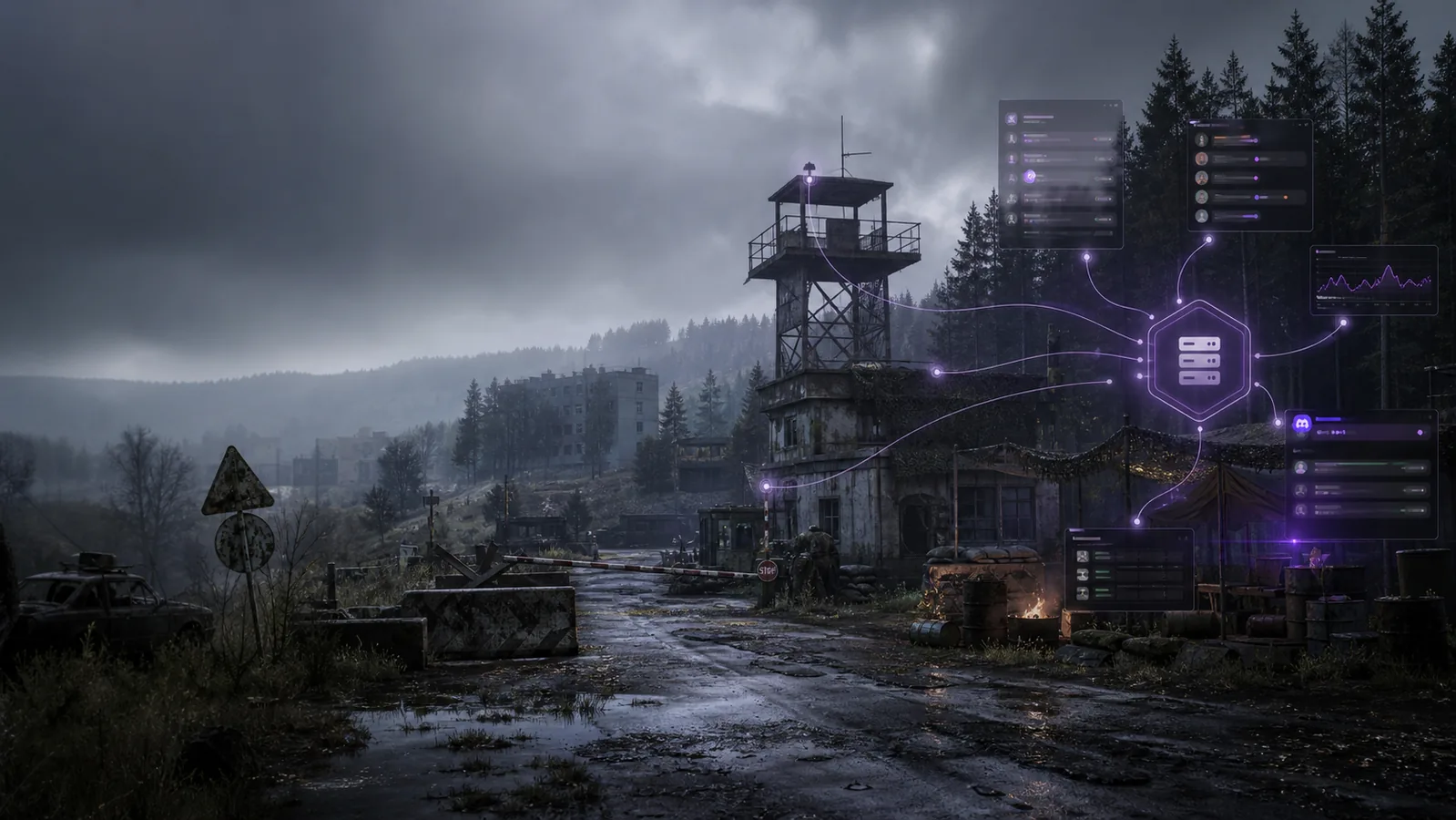
DayZ Server Manager
DayZ server support now has a community-built path into Takaro. Connect through the generic connector, follow the setup docs, and try modules for Discord visibility, restarts, and player commands.
Community-supported integration. Setup help is available in Discord.
What is Takaro for DayZ?
Takaro connects to DayZ through a community-supported integration. The setup uses a server-side mod, a Node.js bridge, and Takaro's generic connector so server activity can flow into Takaro and supporting modules.
What you can try with Takaro on DayZ
Community-built modules and connector pieces for DayZ server teams.
Discord Integration
Send DayZ server activity into Discord with the DayZ Discord Integration module.
Restart Handling
Use the DayZ Restarts module for scheduled restart workflows on servers that support shutdown commands.
Player Commands
Add common player-facing commands with the DayZ Commands module.
Generic Connector
DayZ connects through Takaro's generic connector, the @TakaroIntegration server mod, and the DayZ-Bridge sidecar.
Cross-Game Dashboard
Manage DayZ alongside Rust, 7 Days to Die, and Minecraft from one Takaro dashboard.
Community Contribution
The DayZ path was contributed by Mad, including the setup guide and first DayZ module examples.
DayZ modules are just the start
The DayZ modules are only the starting point. The module viewer has 70+ community modules across administration, economy, events, minigames, moderation, PvP, Discord, and server workflow ideas you can adapt for your community.
Browse the module viewer →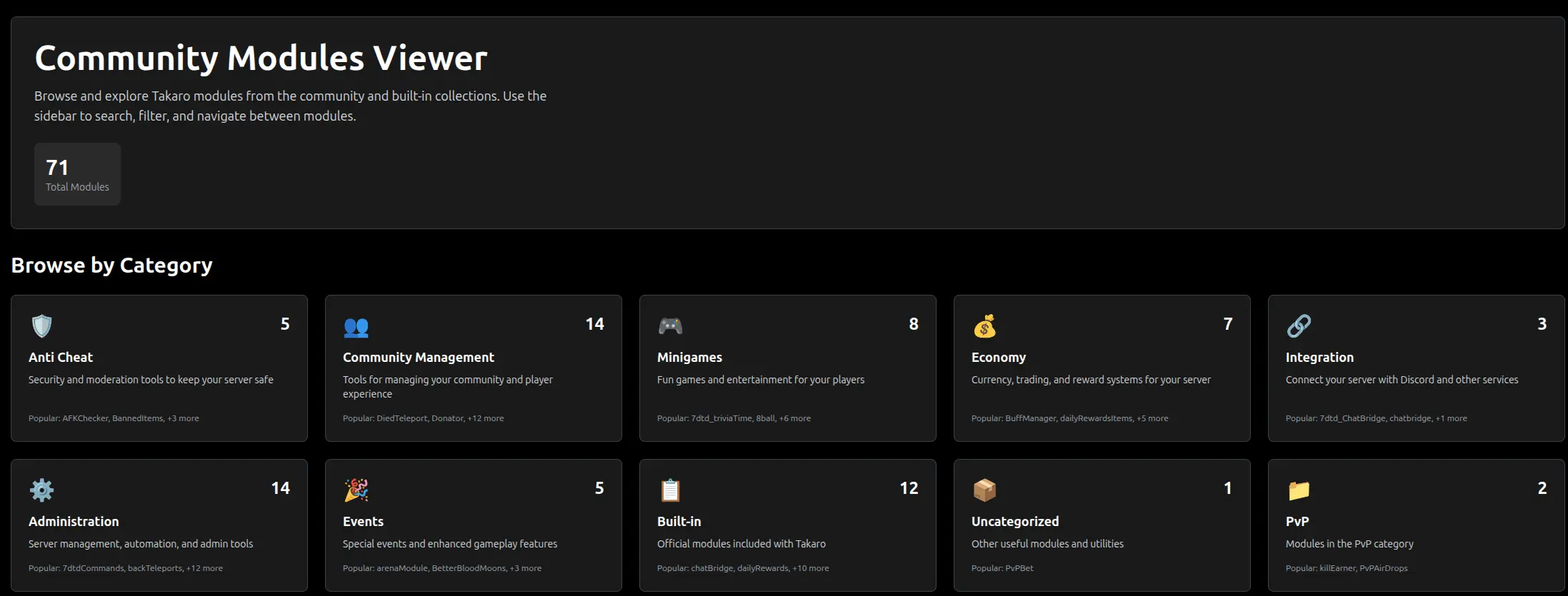
Inventory tracking is the bigger fit
For DayZ, inventory data is the interesting part. Takaro can show what a player is carrying and how inventory changes over time when the connector sends that data. This section is about item state, not location features.
See inventory tracking →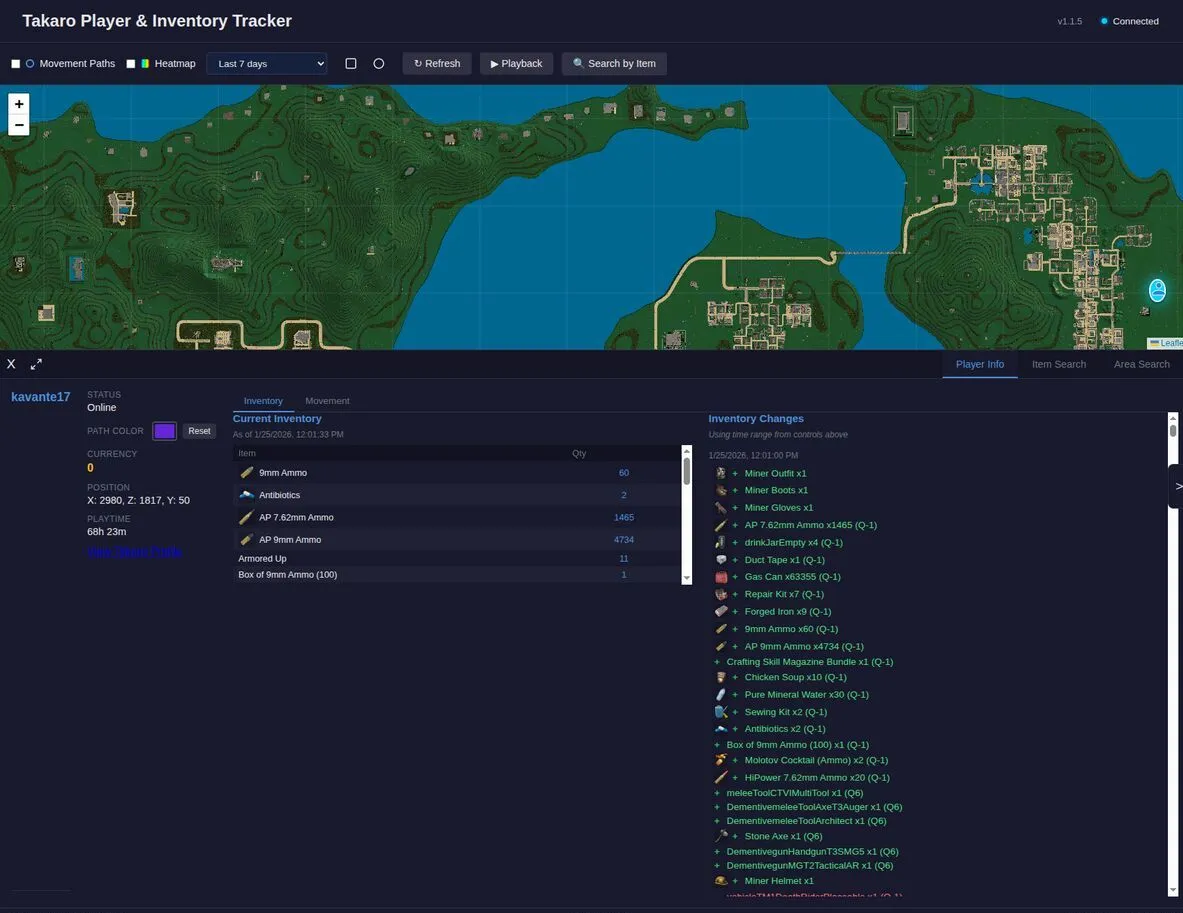
Why Takaro for DayZ?
Clear setup path for DayZ admins
Start with the DayZ setup docs, then follow Mad's community guide to connect your server.
Server-side mod, no player download
The DayZ integration mod is loaded with -serverMod=. Players do not need to download it before joining your server.
Useful first modules, not a blank connector
DayZ starts with practical examples for Discord visibility, restarts, and player commands. Treat them as starting points for your server workflow.
How to get started
Use the documented setup path, then add the modules that fit your server.
Read the setup docs
Start with the Takaro DayZ docs to understand the community-supported setup path.
Install the bridge
Follow Mad's guide to add the server mod and DayZ-Bridge sidecar to your server.
Try the first modules
Add Discord integration, restart handling, and player commands when they fit your server.
Free to start. Upgrade when you grow.
The free tier includes one server with all modules, full API access, and Discord integration. Paid plans start at €7.99/month.
DayZ server management FAQ
Does Takaro support DayZ?
Yes, DayZ has a community-supported integration documented in the Takaro DayZ setup docs. Keep in mind that this is community-supported, not native first-party support.
How does the DayZ integration work?
DayZ connects through Takaro's generic connector. The setup uses the @TakaroIntegration server-side DayZ mod and the DayZ-Bridge Node.js sidecar.
Do players need to download the DayZ integration mod?
No. The integration mod is loaded with -serverMod=, so players do not need to download it before joining the server.
What can I do with Takaro on DayZ today?
The first DayZ modules cover Discord integration, restart handling, and player commands. You can inspect the DayZ Discord Integration, DayZ Restarts, and DayZ Commands modules.
Is DayZ native support in Takaro?
No. DayZ is community-supported. Takaro documents the setup path and provides the generic connector system, but the DayZ-specific integration is community contributed.
Where should I start?
Read the DayZ setup docs, then follow Mad's DayZ-Takaro Integration guide. Join the Takaro Discord if you need setup help.
How much does it cost to try Takaro with DayZ?
Takaro has a free tier that covers one server with all features. See all plans when you need more servers or users.
Ready to try Takaro with your DayZ server?
Start with the setup docs, connect your server, and ask for help in Discord if you get stuck.