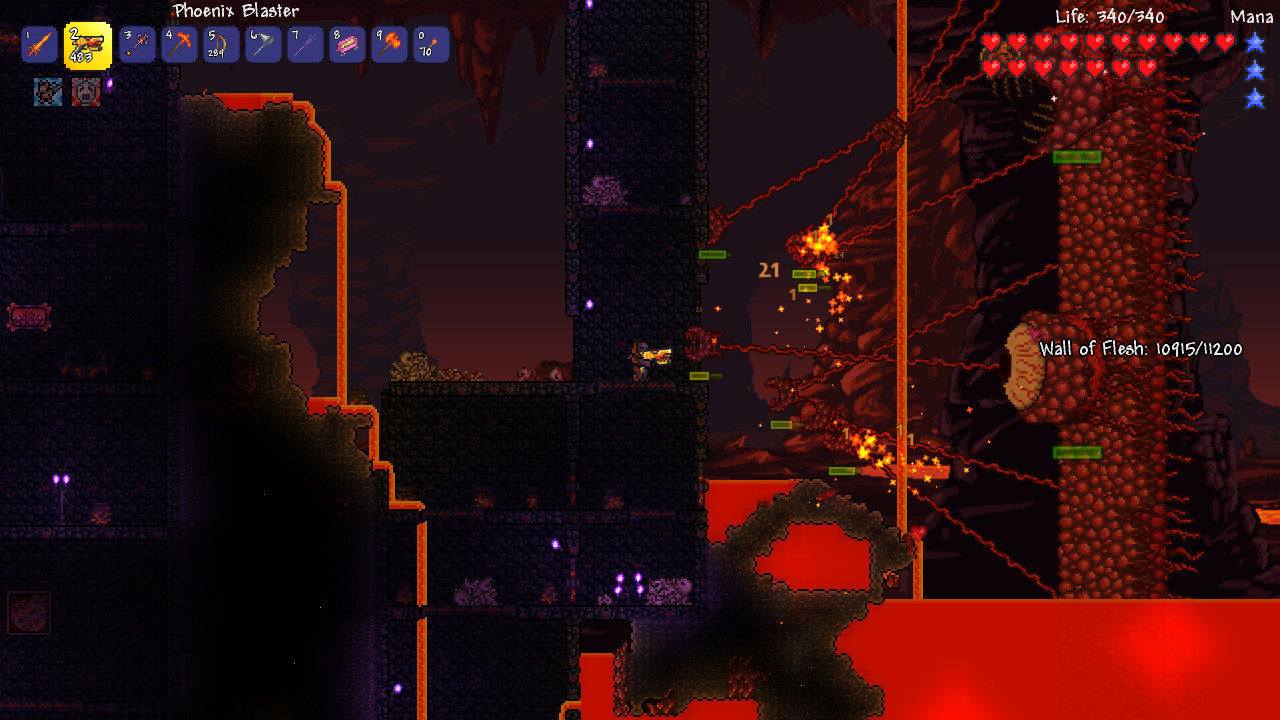
Terraria Server Manager
Control players, bans, teleports, inventories, messages, and server events from one dashboard using TShock.
Free tier available. TShock server-side setup required.
Sound familiar?
These are the problems Takaro was built to solve.
TShock is powerful, but manual
Terraria admins still end up bouncing between console output, REST tokens, permissions, and server files. Takaro gives you one dashboard on top of that setup.
Players need quick admin help
Teleporting players, checking inventories, banning troublemakers, and sending server messages should not require digging through raw commands every time.
Server events disappear in logs
Joins, leaves, deaths, NPC kills, and chat are useful staff signals. The Terraria connector turns them into structured events Takaro can use.
Takaro turns Terraria server events and admin actions into dashboard workflows. Install the plugin, run the bridge, then manage from the web.
Try it freeWatch the Terraria support video
We made a short video showing the Terraria connector and what it adds for server admins.
Terraria admin actions from one dashboard
Use Takaro for common Terraria staff actions like player lookup, server broadcasts, bans, item grants, inventory checks, and coordinate teleports. The connector maps those actions onto TShock REST and plugin commands.
See connector coverage →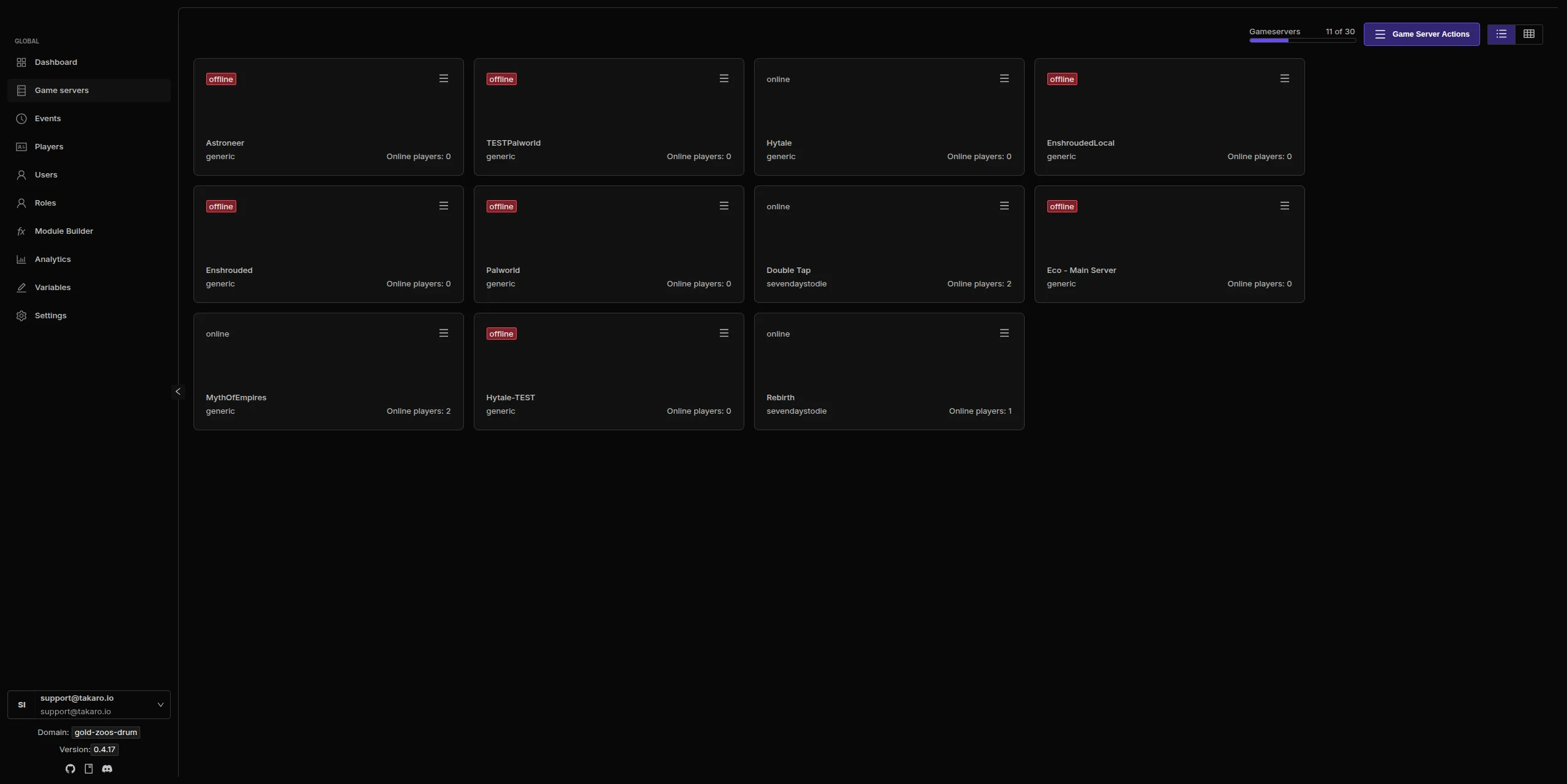
Track players and inventories
The Terraria plugin reports player coordinates and inventory data so staff can see more than a raw console can show. Inventory covers player containers and aggregates duplicate item stacks.
See tracking features →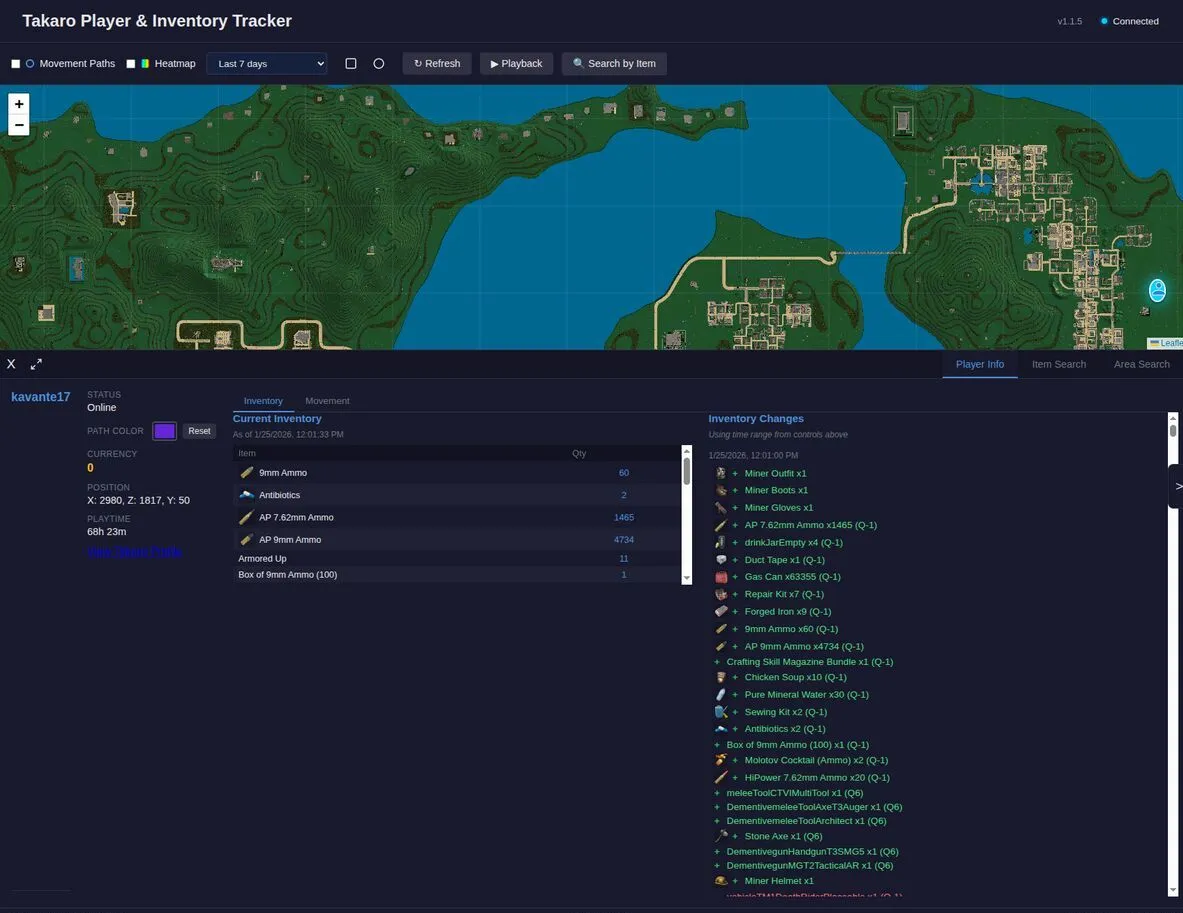
Use modules on top of Terraria support
Once your Terraria server is connected, Takaro modules can handle Discord workflows, scheduled actions, economy ideas, moderation, server messages, and custom admin tools.
Browse the module viewer →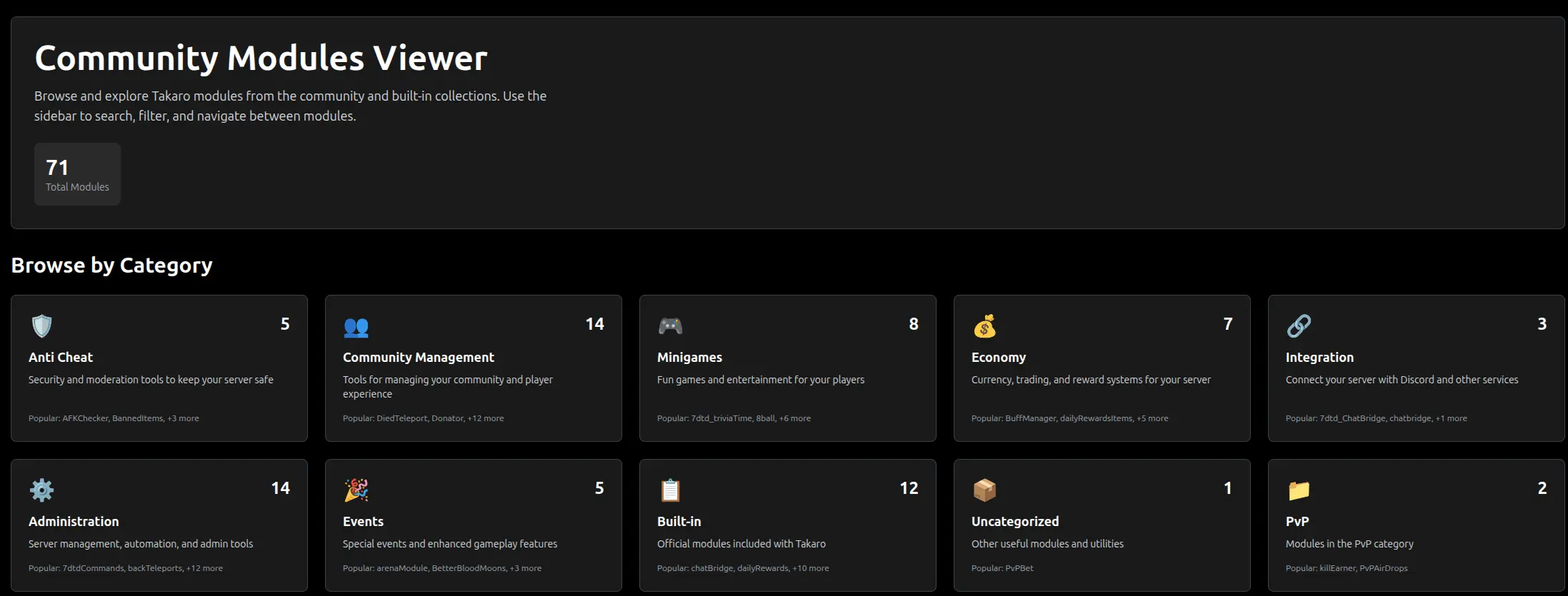
Terraria server management features
Connector-backed actions and events for TShock Terraria servers.
TShock Connector
Takaro connects through a TShock plugin and TypeScript bridge. The bridge talks to TShock REST and connects outbound to Takaro over WebSocket.
Player Management
List players, inspect player details, kick, ban, unban, and review ban lists from Takaro-backed workflows.
Items and Inventory
Read player inventories and use a 6,147 item catalog for give-item actions. Terraria items work in both directions.
Location and Teleport
Use plugin-backed commands to read player coordinates and teleport players by coordinate when your TShock user has the right permission.
Discord Sync
Use Takaro modules to route Terraria server activity into Discord and keep staff aware of what is happening in-game.
Structured Events
Player connects, disconnects, deaths, NPC kills, chat, and logs can flow into Takaro as connector events.
Admin Actions
Send server messages, execute allowlisted console commands, give items, and shut down the server when enabled.
Cross-Server Management
Manage Terraria alongside Rust, 7 Days to Die, and Minecraft from one dashboard.
Connect your Terraria server
Terraria support uses both the plugin and the bridge for full coverage.
Create your account
Sign up at dashboard.takaro.io. Free tier available.
Install TShock and the plugin
Install TShock, copy the TakaroTerrariaEvents plugin into the TShock plugin directory, and restart the server.
Run the bridge
Enable TShock REST, create a REST token, configure the Takaro bridge, and start it on the Terraria server host.
Install modules
Use Takaro modules for Discord, moderation, economy, scheduled actions, and custom server workflows.
Free to start. Upgrade when you grow.
The free tier includes one server with all modules, full API access, and Discord integration. Paid plans start at €7.99/month.
Terraria server management FAQ
Does Takaro support Terraria?
Yes. Terraria is supported through the Takaro Terraria connector, which uses a TShock plugin and a TypeScript bridge.
How does the Terraria connector work?
TShock runs inside the Terraria dedicated server and exposes REST. The Takaro bridge runs beside it, calls TShock REST, tails TShock logs, and connects outbound to Takaro over WebSocket.
Do players need to install anything?
No. The connector is server-side. Players do not need a client mod to join your Terraria server.
What can Takaro do on Terraria?
Takaro can list and inspect players, send messages, execute allowlisted console commands, give items, teleport players, manage bans, read inventory, and receive structured events like joins, leaves, deaths, NPC kills, chat, and logs.
What does the plugin add?
The plugin emits structured events that TShock REST does not expose and adds admin-only helper commands for player location, teleport, and inventory.
What permissions are required?
The TShock REST user needs the takaro.admin permission. A superadmin REST user already satisfies this through TShock wildcard permissions.
Where is the connector?
The connector source is on GitHub: gettakaro/connectors/terraria.
How much does it cost?
Free tier covers one server with all modules. Paid plans start at €7.99/month. See all plans.
Ready to manage your Terraria server?
Install the connector, pair your server with Takaro, and start managing Terraria from the dashboard.