Your Discord and game servers, connected
Game events show up in Discord. Chat flows both ways. Set it up once and it just works.
What it does
Takaro connects your game servers to your Discord server. It routes in-game events to Discord channels and bridges chat between Discord and game chat.
Works with Rust, 7 Days to Die, and Minecraft. No Discord bot coding required.
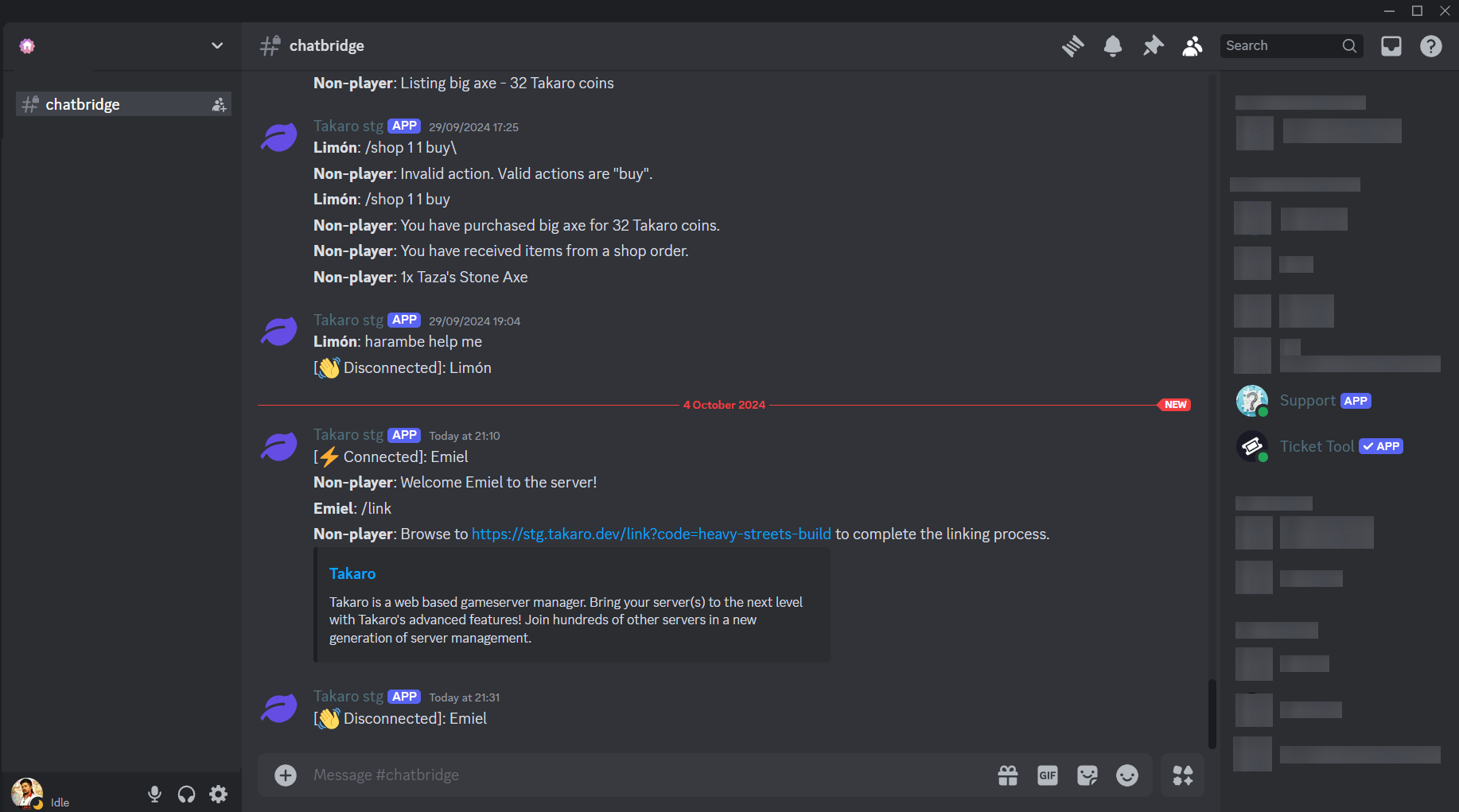
Events you can route to Discord
Pick which events go to which channels. Keep your community informed without the noise.
Set up in three steps
No bot tokens. No code. Just connect and configure.
Connect your Discord
Authorize Takaro in your Discord server settings. One click from the dashboard.
Choose your channels
Pick which Discord channels receive which events. Kills, chat, joins, status. Route them however you want.
Done
Events start flowing. Your players see game activity in Discord. Chat bridges both ways.
Frequently asked questions
Do I need a Discord bot token?
No. Takaro handles the bot setup for you. You just connect your Discord server through the dashboard and choose which channels receive which events.
Can I send different events to different channels?
Yes. You can route kills to one channel, chat to another, and server status updates to a third. Each event type can go to its own channel.
Does it work with multiple game servers?
Yes. You can connect multiple game servers to the same Discord server, each with its own set of channels and event routing.
Can players link their Discord and game accounts?
Yes. Players can link their accounts through Discord, which lets Takaro track them across platforms and apply role-based permissions.
Is there a delay on events?
Events typically appear in Discord within a few seconds of happening in-game. Chat bridging is near-instant in both directions.
Connect your Discord in minutes
Free tier includes full Discord integration. No limits on events or channels.