Features
Everything you need to run your community
Takaro is one dashboard for your game servers and the players on them. Players, roles, bans, a shop, Discord and modules work the same way across the games you run.
Free for your first server. Every feature on every plan.
Servers
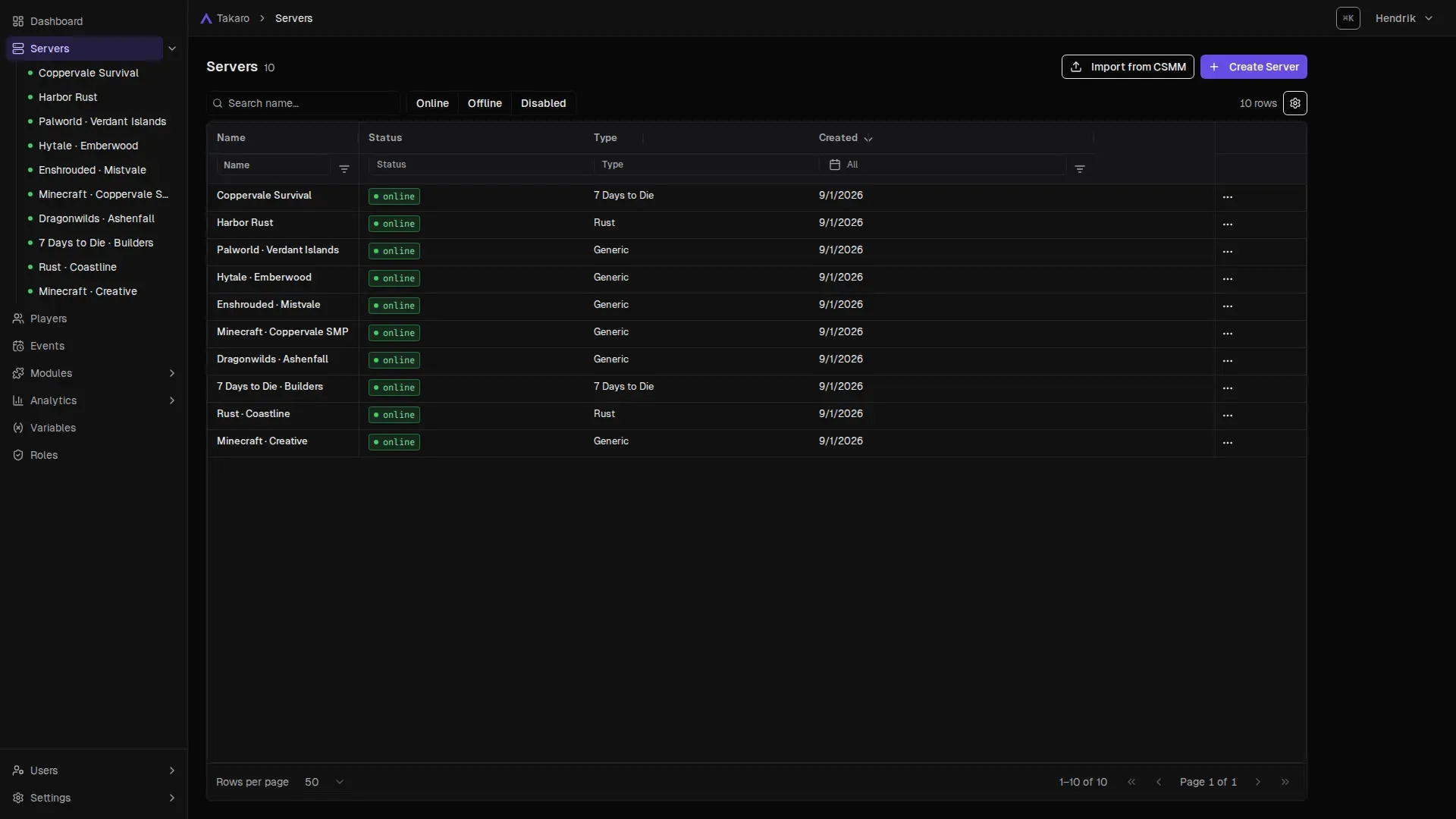
All your game servers on one screen
Takaro lists every server you connect, whatever the game, with its status and who is online. Open one for its own dashboard, or stay on the overview and see the whole community.
- Mix games freely: Rust, Minecraft and 7 Days to Die servers side by side.
- No port forwarding for games on the generic connector: the server connects out to Takaro.
- Moving from CSMM? Import your 7 Days to Die data.
Players
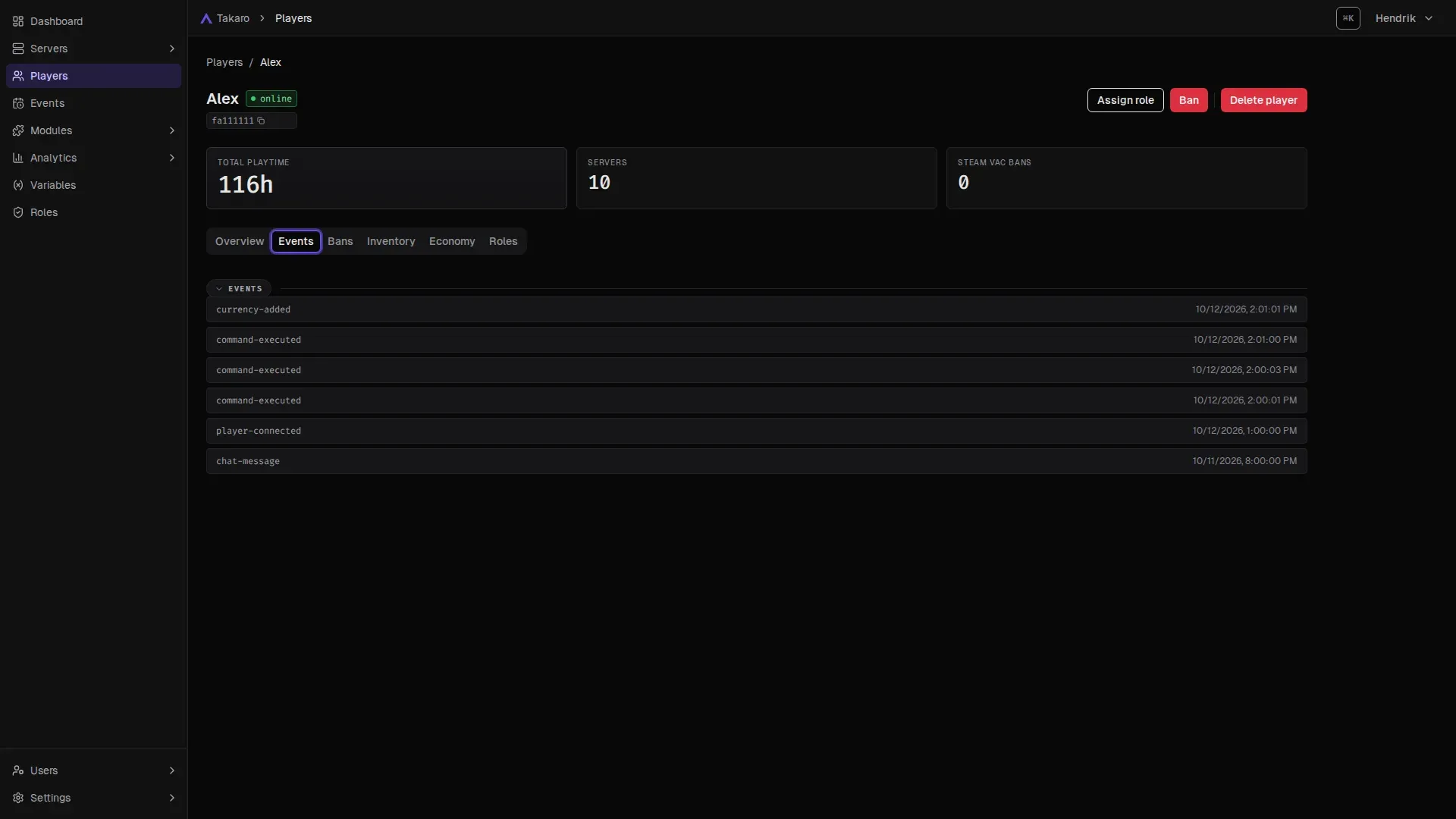
One profile per player, across every game
Takaro links a player's Steam, Xbox or Epic identity into one profile, so you see their playtime, servers, roles, events and bans in one place instead of one tool per game.
- Full history: joins, chat, deaths and commands, on a timeline.
- Inventory changes with a time and a place, on games that report them.
- Takaro AI summary of a player on request.
Modules
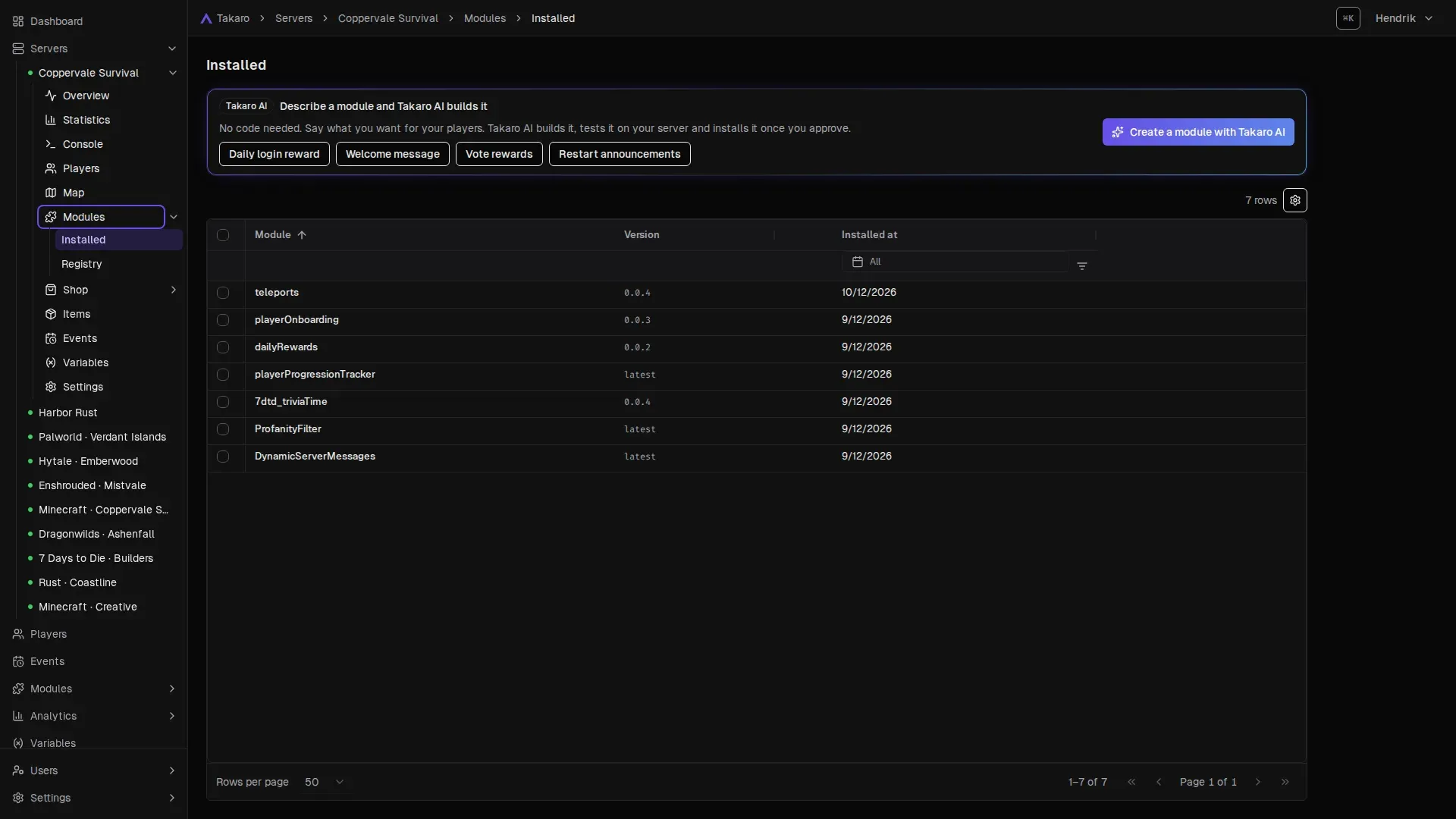
Add features with modules, no code needed
Modules add commands, rewards, teleports, moderation and minigames to your servers. Install one, change its settings in the dashboard and it runs. The library has 54 built-in and community modules to start from.
- Configure, don't code: most modules have a settings form.
- Describe it to Takaro AI and approve what it builds.
- Write your own with commands, hooks, cron jobs and functions.
Shop and economy
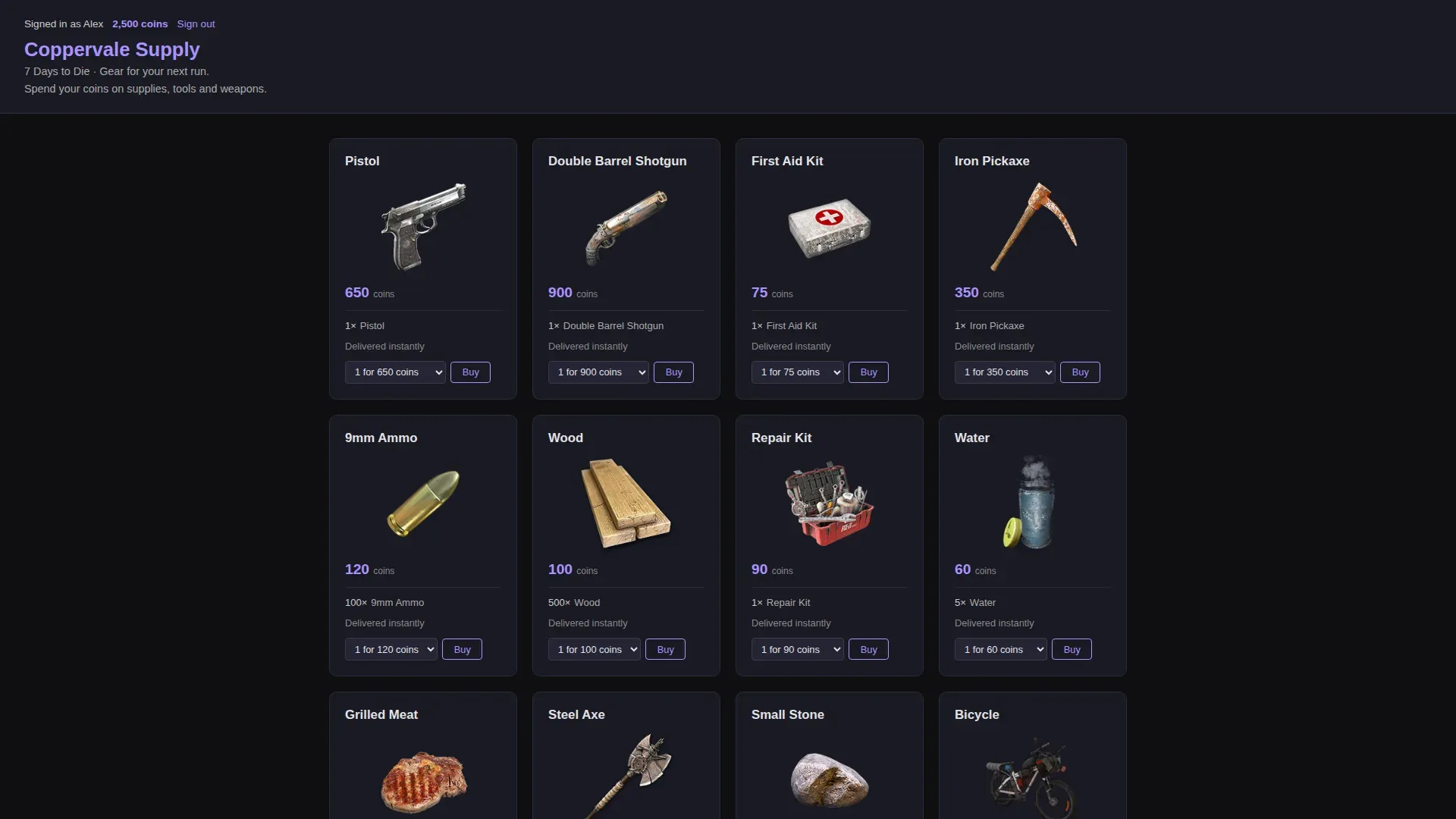
An in-game currency and a shop your players use
Players earn currency for playtime, kills or daily logins and spend it in your server's web shop. A listing can give items, grant a role, send a message or run a command.
- Your items, your prices, per server.
- Players claim their orders in game.
- Rewards come from modules you can tune.
Roles and permissions
Roles that follow a player across servers
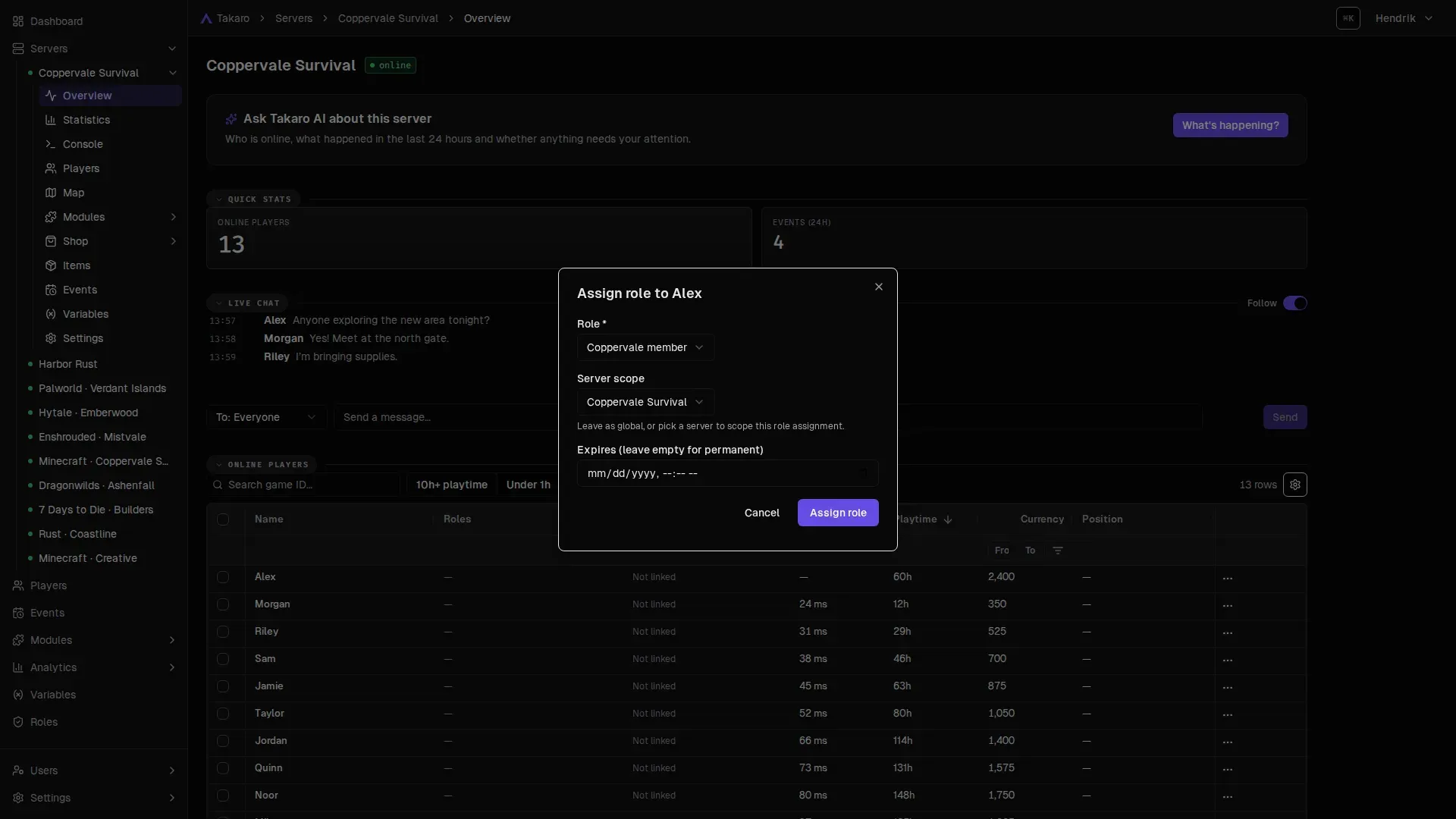
Give a player a role on one server or on all of them, with an expiry date if you want one. Roles decide what players and your admins are allowed to do, from VIP perks to moderator tools.
- Global or per server: VIP everywhere, moderator only on Rust.
- Timed roles for trials, supporters and temporary access.
- Sync with Discord roles so perks match on both sides.
Events
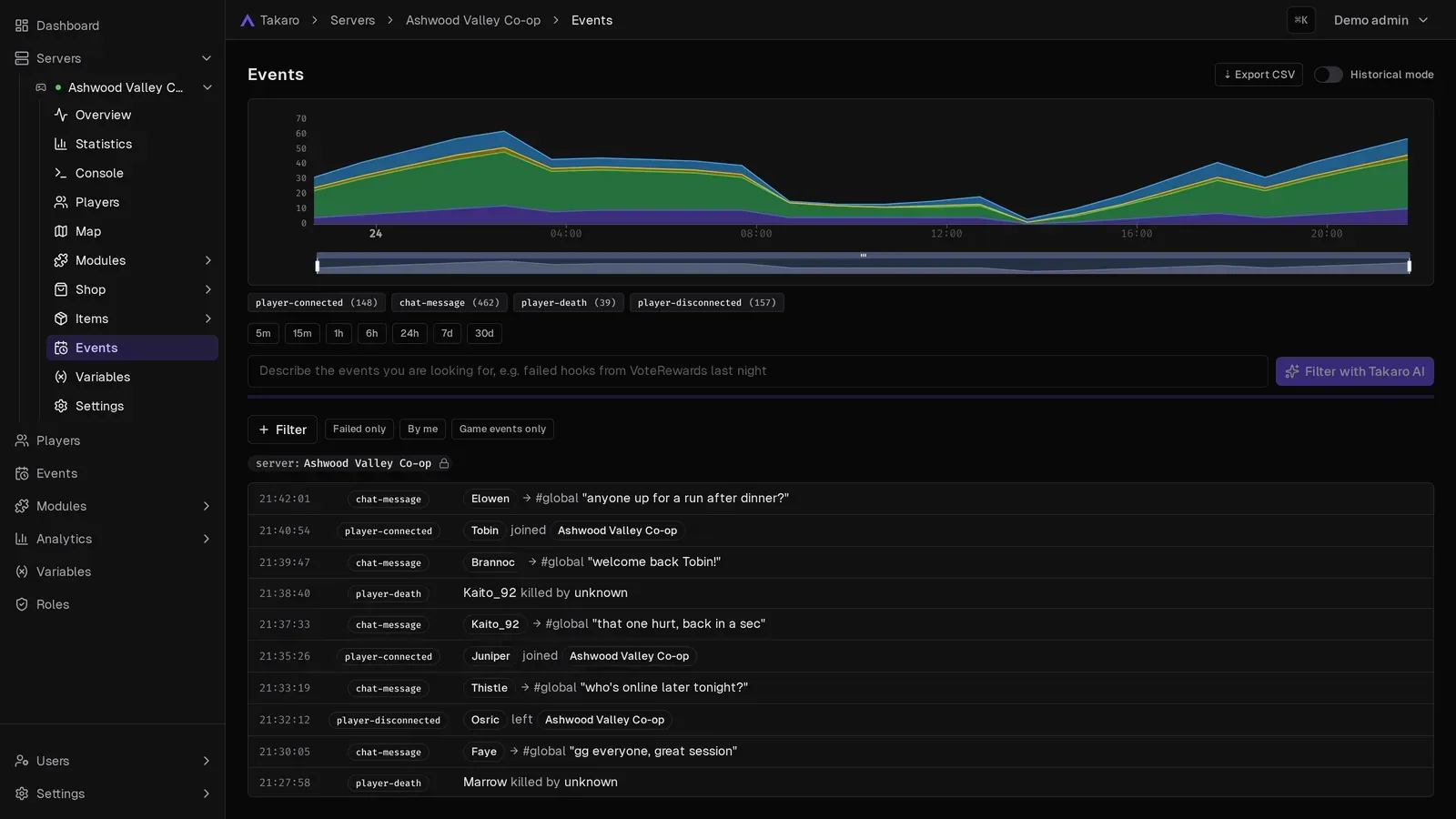
Everything that happens, searchable
Takaro records joins, chat, deaths, commands and module activity for every server. Filter the feed, or ask Takaro AI in plain words to find what you need.
- Event history kept for as long as your plan includes.
- Hooks let modules react to any event.
- Send events to Discord channels.
Map and Tracker
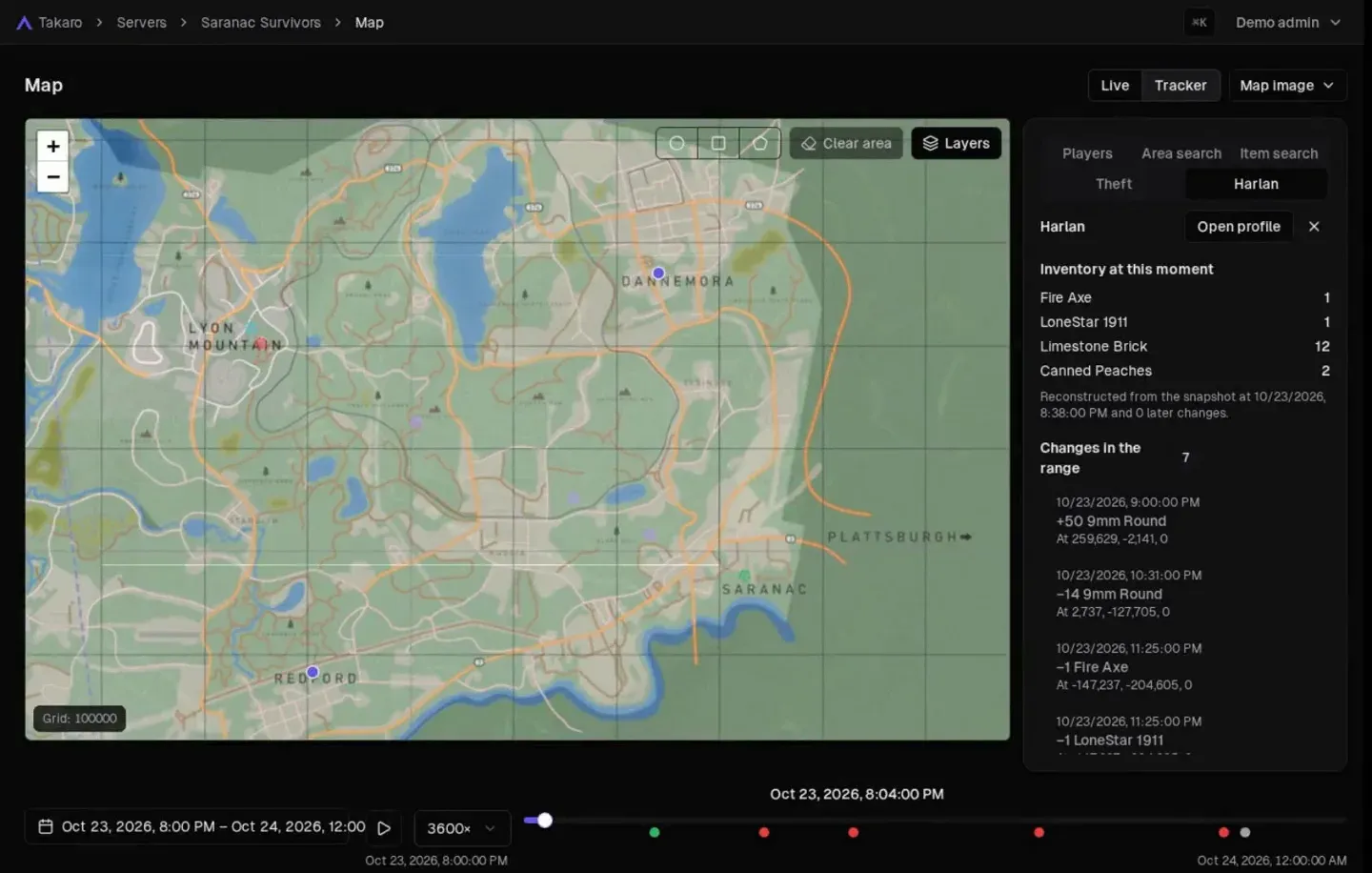
See where players went and what they carried
On games that report positions, the Map shows players live and the Tracker replays a time range: where someone walked and how their inventory changed along the way.
- Rebuild an inventory at any moment.
- Look into raids and missing items.
- Support differs per game; each game page says what it reports.
Takaro AI
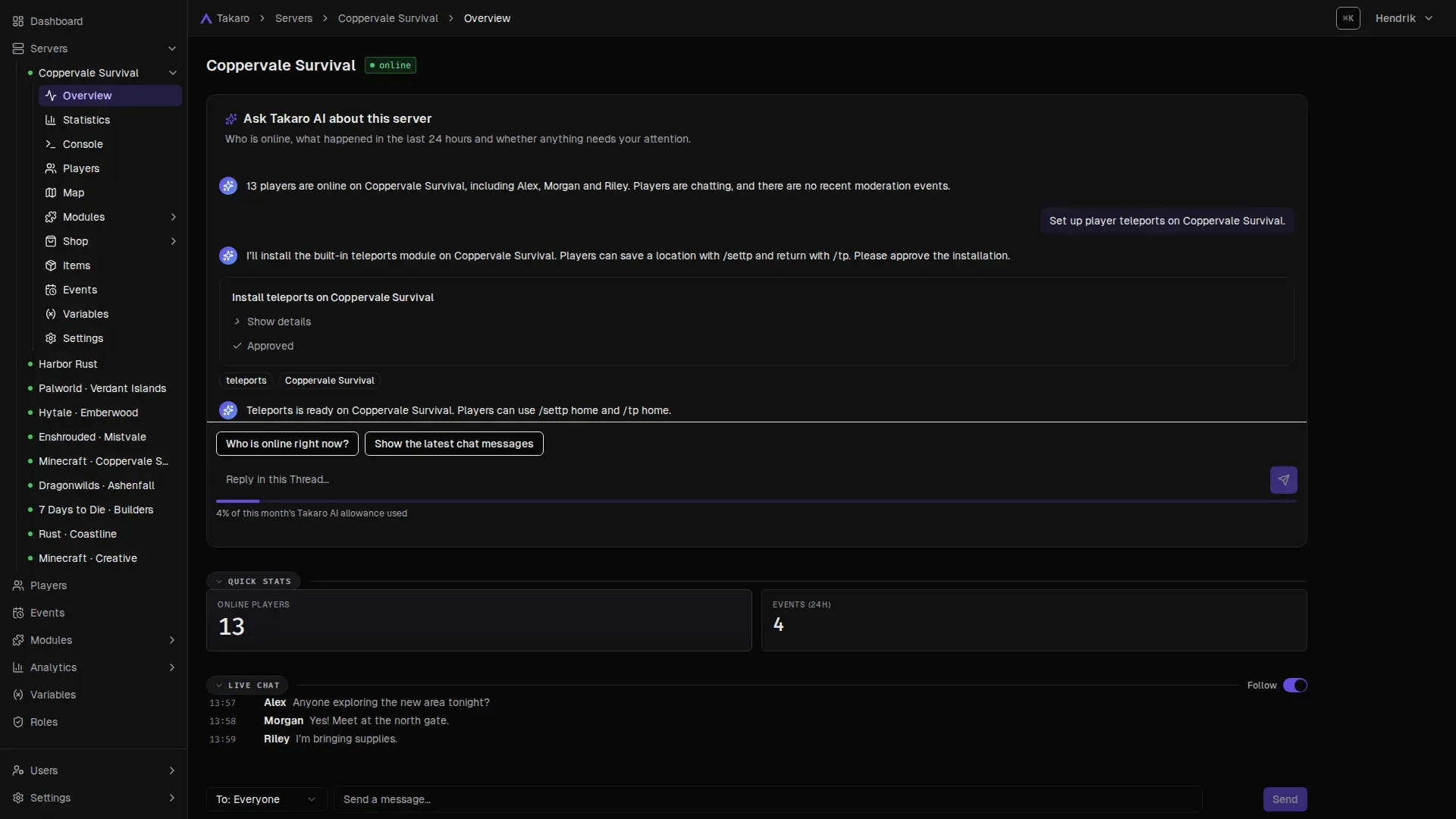
Ask for what you want, approve what it does
Takaro AI is built into the dashboard. Ask it about a server or a player, or ask it to set something up. It shows you the change and waits for your approval before it acts.
- Summaries of players and servers.
- Builds modules from a description.
- Use your own assistant too, like Claude Code, over MCP.
Multi-server
Ban once. Gone from every server.
A cheater banned on one server can just try the next. In Takaro your servers share one player list, so a ban, a role or a rule can reach all of them at once.
- Global bans apply across your servers, and Takaro syncs the bans it manages to the game.
- Roles can be global or set per server: VIP everywhere, moderator only on the Rust server.
- One view of every server's status, players and events, with a dashboard for each.
- Coppervale Survival 7 Days to Die · 13 online
- Harbor Rust Rust · 41 online
- Coppervale SMP Minecraft · 22 online
- Mistvale Enshrouded · 6 online
- Coastline Rust · 18 online
Try the buttons above.
And more
Built to connect with the rest of your setup
Discord integration
Chat both ways, game events in channels and roles in sync.
Player tracking
Rewind the map: trails, who was inside an area and what they took.
REST API
Every operation documented, on every plan. Build bots, sites and tools.
Bans that reach every server
One global ban, synced to the game for the bans Takaro manages.
Bring a new game
The generic connector adds games that expose a modding, plugin or RCON interface.
Games
One Takaro across the games you run
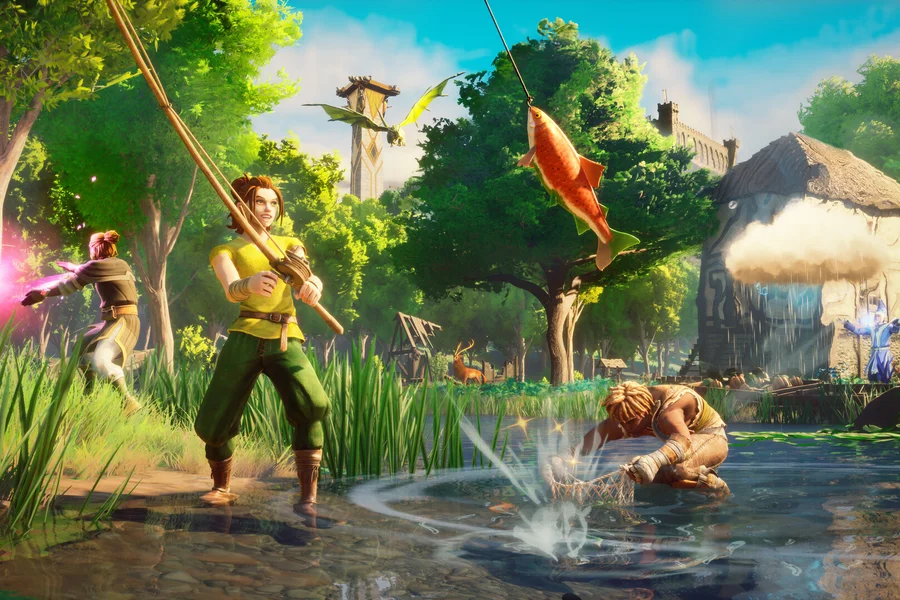
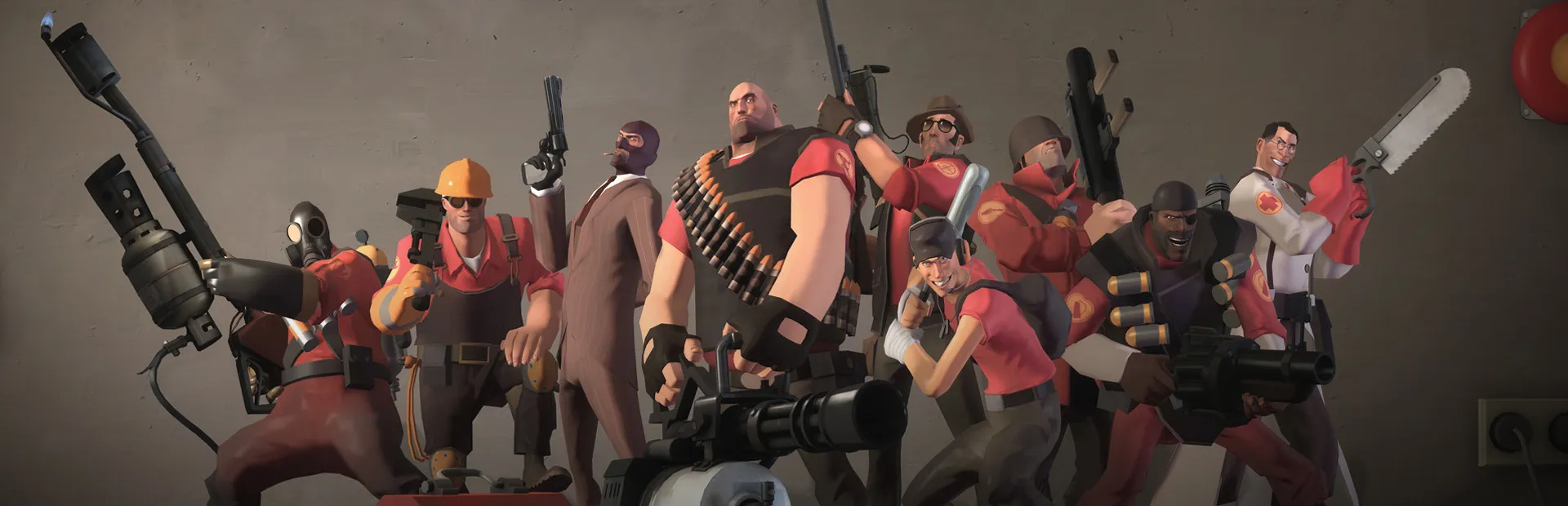
Some features depend on what a game reports. Pick your game to see what its connector supports.







FAQ
Questions about Takaro's features
Something else on your mind? Ask in our Discord or read the docs.
What can Takaro do for my game server?
Takaro gives you one web dashboard for your servers and players: player profiles, roles, bans, an in-game shop, Discord, event history, a live map on supported games and modules that add commands and automation. Takaro AI can set things up for you.
Does Takaro replace my game server host?
No. Takaro connects to the servers you already run, through the mod or plugin for your game. You keep your host.
Do I need to install anything on the game server?
Yes, the connector for your game: a mod, plugin or small sidecar. Each game page links the download and the setup guide.
Which games does Takaro support?
Official connectors: 7 Days to Die, ARK: Survival Evolved, Conan Exiles, Dune: Awakening, Enshrouded, Minecraft, Project Zomboid, RuneScape: Dragonwilds, Rust, SCUM, Team Fortress 2, Terraria, Valheim, VEIN. Community-supported: Astroneer, Eco, Hytale, Myth of Empires, Palworld. The games page shows what each one supports.
Are features locked behind paid plans?
No. Every plan has the same features, including modules, Discord and the API. Plans differ in how many servers and team members you have and how long event history is kept. See pricing.
Bring your servers together.
Free for your first server. A setup guide walks you through connecting it, then add the rest when you're ready.
Not ready yet? Get the newsletter: new features, modules and tips. No spam.