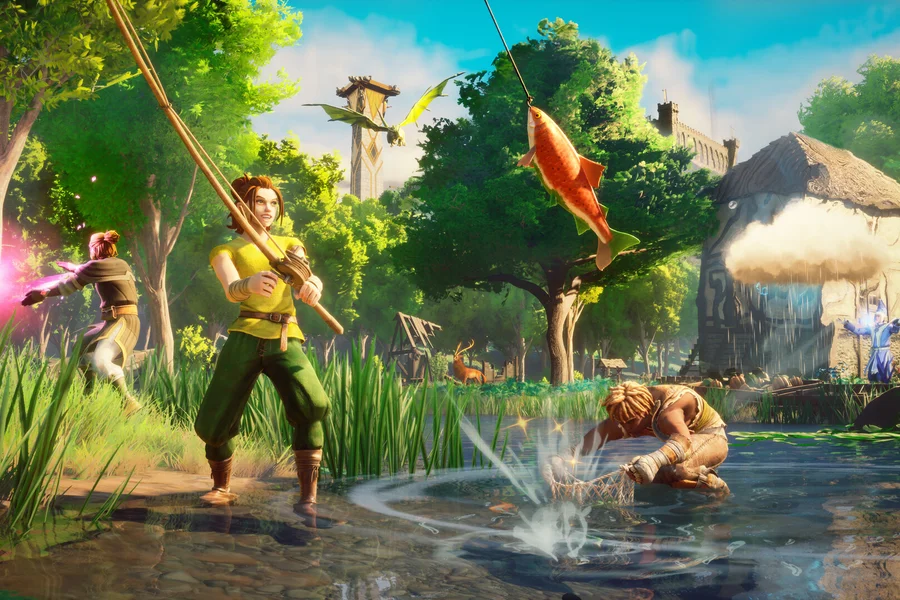
RuneScape Dragonwilds Server Manager
Takaro's Dragonwilds connector is one native plugin preloaded onto the Linux server binary: no sidecar, and players keep the vanilla game client. It brings player management, bans and a shop to a dedicated server that ships with none of them.
Free tier available. Linux dedicated servers (Steam app 4019830).
Sound familiar?
These are the problems Takaro was built to solve.
A new game with no admin ecosystem
Dragonwilds shipped dedicated servers before anyone had written the tooling for them. Whoever runs one early is running it with almost nothing.
Linux servers, no console
The dedicated server is a Linux binary with no admin console worth the name, so the usual answer to any problem is a restart.
Client and server move together
The game client and the server are version-locked, so every update is a coordinated change. Tooling that breaks on each one costs you a day.
The same dashboard the other games already use
A Dragonwilds server sits in the same overview as every other game Takaro supports. One list, one login, one set of modules.
See the games Takaro already supports →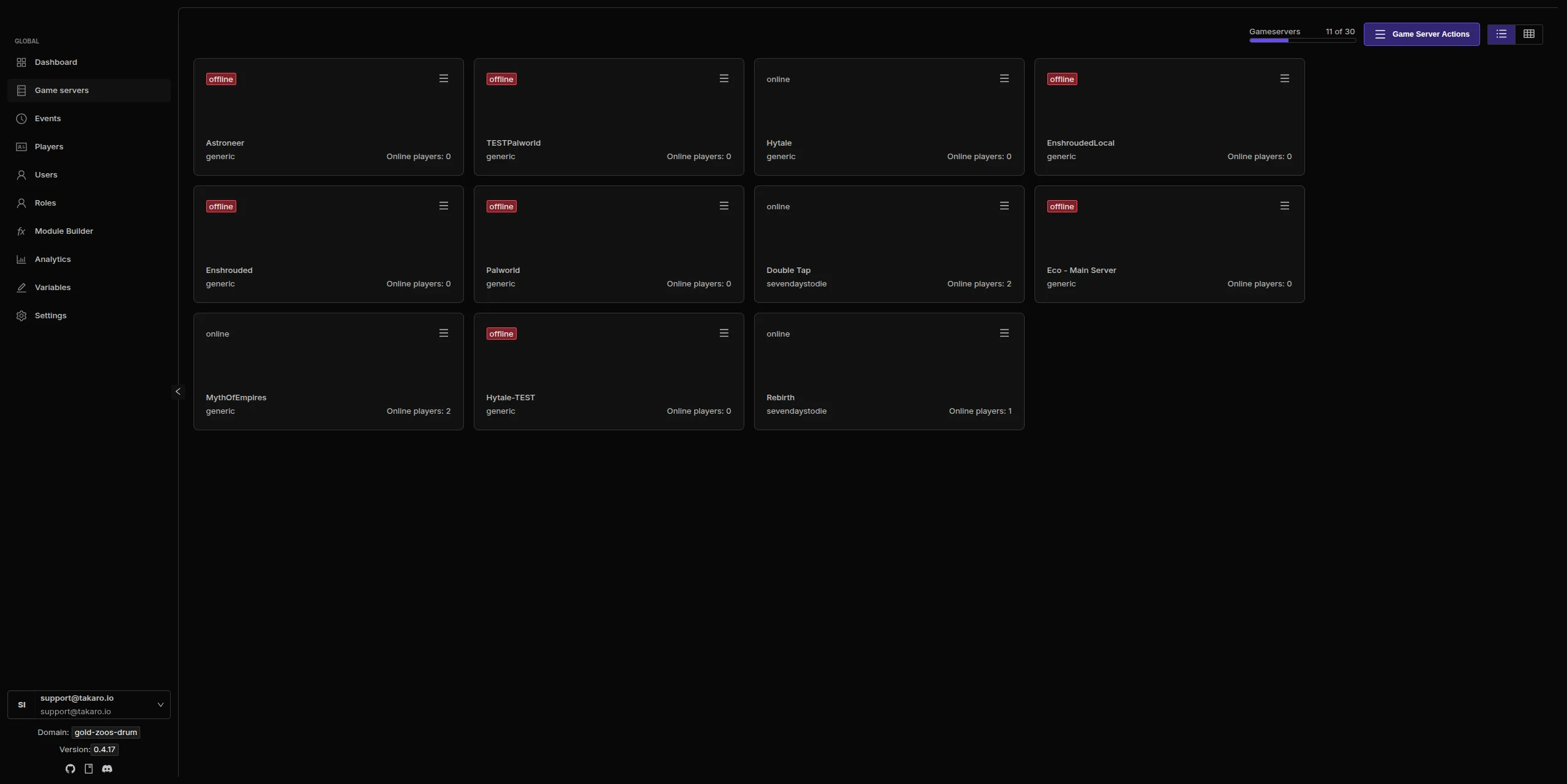
RuneScape: Dragonwilds server management features
Every module works out of the box. Install, configure, done.
Tested against a real client
The latest release is tested live with an actual game client on an actual Linux dedicated server, and also ships plugins for the older public builds.
One native plugin
A single library preloaded on the game binary connects to Takaro by itself. The 0.2.x sidecar is gone, and upgrading from it needs a short maintenance window.
Bans, kicks and a ban list
Timed and permanent bans, with the expiry shown in the list. The connector lifts timed bans itself, including across restarts.
Kills with creature and weapon
A death names the creature that killed the player, and an entity kill carries the creature and the held weapon.
Survives a game update
The plugin re-reads the new symbol file on start, so a game update usually needs nothing. If a feature breaks it reports itself degraded and the rest keeps working.
Full REST API
Build your own tools on top of Takaro. Custom dashboards, Discord bots, integrations. Full API access on every plan, including free.
Cross-server management
Run RuneScape: Dragonwilds alongside every other game Takaro supports from one dashboard, with player profiles shared across them.
Download the RuneScape: Dragonwilds connector
Native connector for a RuneScape: Dragonwilds Linux dedicated server.
Before you start
- Takaro registration token
- Control of the Dragonwilds Linux dedicated server startup command
Latest release
Next steps
- Install the files your server needs, following the install guide, and restart it once.
- Create the server in the Takaro dashboard and copy its registration token.
- Give the connector the token, restart the server, and it registers itself.
Full RuneScape: Dragonwilds install guide →
Previous versions (4)
Connect your RuneScape: Dragonwilds server
One native plugin and a change to the launch line.
Add your RuneScape: Dragonwilds server
Unpack the plugin outside the Steam tree, paste your registration token into takaro.cfg, and preload the library on the game binary only.
Install modules
Browse the module library and toggle on what you need: economy, teleports, moderation.
Manage from anywhere
The dashboard works in any browser. Check activity, adjust settings and moderate from your phone.
Free to start. Upgrade when you grow.
The free tier includes one server with all modules, full API access, and Discord integration. Paid plans start at €7.99/month.
RuneScape: Dragonwilds server management FAQ
Do I need a sidecar?
No. Older 0.2.x releases used one; the native plugin connects directly. Both must never run with the same Takaro identity at once, so upgrading means draining the sidecar first.
Why does the server sit idle?
It idles until OwnerId is set to the owner's EOS Player ID. That is a Dragonwilds behaviour, not the connector's.
Is there a map?
Not yet. Takaro has no map information for Generic game servers, so Dragonwilds players do not appear on a map.
Will it need a Windows server?
No. It targets the Linux dedicated server only.
Do players install anything?
No. The plugin is server-side and players use the vanilla game client.
Can I manage multiple RuneScape: Dragonwilds servers from one dashboard?
Yes. Add as many servers as your plan allows. The free tier includes one server; paid plans cover two to eight, all from a single dashboard.
Is Takaro a replacement for my server host?
No. Takaro is a management layer on top of the server you already run. You keep your hosting provider; Takaro connects to the server and adds economy, teleports, moderation and analytics.
Can I write custom modules?
Yes. Takaro modules are commands, hooks and cron jobs you can write yourself, and the REST API is open for anything a module cannot reach.
How much does it cost?
The free tier covers one server with every module included. Paid plans start at €7.99/month for two servers. See all plans.
Is RuneScape: Dragonwilds support official?
Yes. Takaro builds, tests and releases this connector itself, with versioned releases and a documented install. Bugs go to the connectors repository.
Ready to manage your RuneScape: Dragonwilds server?
Install the connector, connect, and start adding features in minutes.